

 See My Latest Article on HelloNation
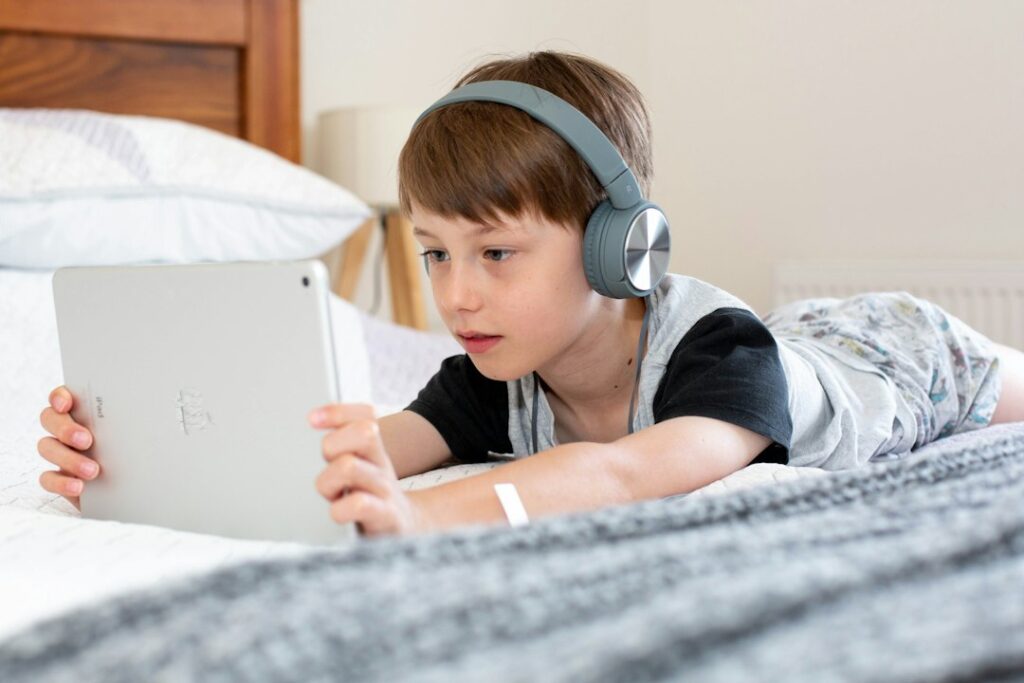
What does assistive technology do for a person with dyslexia?
Assistive technology helps a person access reading, writing, spelling, organization, or communication tasks that may be difficult because of dyslexia. It does not remove the need for skilled reading instruction. Instead, it reduces unnecessary barriers so the learner can show knowledge, complete assignments, and participate more independently.
Dyslexia commonly affects accurate and fluent word recognition, decoding, spelling, and the ability to connect sounds with letters efficiently. A student may understand a science lesson but struggle to read the textbook, write a response, or copy information from the board. Assistive technology can help separate the learning goal from the mechanical task that is getting in the way.
For families in Somerset, technology may be used at school, at home, or in both settings. The most useful choice depends on the learner’s age, reading profile, school expectations, comfort with technology, and specific goals.
Which tools are most helpful for reading?
Text-to-speech and audiobooks are among the most common reading supports. Text-to-speech reads digital text aloud while the student follows along on a screen. Many tools highlight each word or sentence as it is spoken, which can help connect printed language with pronunciation and meaning.
Audiobooks can provide access to novels, history chapters, directions, and other material that might otherwise require too much effort to decode. Listening is not the same as avoiding reading instruction. A student can receive direct instruction in phonics and fluency while using audio support to understand grade-level content.
Other reading features may include:
- Adjustable text size, spacing, contrast, and background color
- Digital highlighting and note-taking
- Built-in dictionaries that read definitions aloud
- Scanning tools that convert printed words into digital text
- Repeated playback of a sentence or paragraph
- Reading rulers or screen focus features that reduce visual distractions
These tools should be selected carefully. A crowded screen, unnatural speech, or too many features can make reading more frustrating rather than easier.
How can technology support spelling and writing?
Dyslexia can make spelling and written expression slow and tiring, even when a student has strong ideas. Speech-to-text allows a learner to dictate words and sentences rather than type or handwrite everything. This can be helpful for drafting, answering open-ended questions, and recording longer explanations.
Word prediction tools suggest possible words as a person types. Spell-checking tools can identify errors, although they do not always recognize the intended word. A student still needs instruction in spelling patterns, sentence structure, and revision, but technology can reduce the number of barriers during composition.
Writing supports may also include:
- Electronic graphic organizers for planning
- Outlining tools that help arrange ideas
- Read-aloud features for proofreading
- Audio recording for verbal responses
- Digital keyboards with larger or more visible keys
- Handwriting alternatives for assignments that do not specifically measure handwriting
A useful distinction is whether an assignment measures the skill being supported. If the goal is to assess spelling, spelling assistance may not be appropriate for that particular task. If the goal is to assess understanding of a science concept, allowing speech-to-text may provide a more accurate picture of what the student knows.
Can assistive technology replace dyslexia intervention?
No. Assistive technology is an access support, not a replacement for evidence-based reading instruction.
Students with dyslexia often need explicit, systematic teaching in phonological awareness, sound-symbol relationships, decoding, spelling, fluency, vocabulary, and comprehension. Technology may help a learner complete a history assignment, listen to a story, or organize a written response, but it does not automatically build accurate decoding skills.
The strongest support plans usually combine instruction and access. For example, a student might receive structured reading intervention during one part of the day and use text-to-speech for grade-level social studies material during another part. This approach protects access to the broader curriculum while continuing to address the underlying reading needs.
How should families choose a tool?
The right question is not, “Which app is best?” A better question is, “What task is difficult, and what support would make that task more manageable?”
Families can begin by observing the specific barrier:
- Does the student understand spoken directions but struggle to read them?
- Is handwriting limiting the length or quality of written work?
- Does reading aloud consume so much energy that comprehension drops?
- Can the student spell a word verbally but not produce it in writing?
- Does the student lose track of lines, directions, or multi-step assignments?
- Is the problem limited to schoolwork, or does it also affect everyday tasks?

Technology should then be tested in the actual setting where it will be used. A tool that works well on a quiet home computer may be less useful in a classroom, during travel, or with limited internet access. In Somerset, seasonal storms and occasional power or connectivity disruptions also make it sensible to keep paper directions, downloaded materials, or other backup options available.
Students should be included in the decision whenever possible. A tool may be technically effective but rejected if it feels embarrassing, complicated, or noticeably different from what classmates use. Comfort, privacy, speed, and independence matter.
What should be included in a school support plan?
If a student receives special education services, assistive technology can be considered as part of the individualized education program process. The team may examine devices, software, training, classroom routines, and the support needed for the student to use the technology consistently.
A plan is more useful when it states the function rather than only naming a device. For example, it might describe that the student will use text-to-speech to access digital grade-level assignments, speech-to-text for extended written responses, or electronic directions for multi-step tasks.
Questions for a school team may include:
- What reading or writing barrier is the tool addressing?
- In which classes and assignments will it be available?
- Who will teach the student to use it?
- How will staff know whether it is helping?
- What happens if the device is unavailable?
- Can the support be used during homework or other settings when needed?
The technology should be reviewed over time. A student may need different features as reading demands increase, classes change, or independence develops.
What are common misconceptions?
One misconception is that assistive technology gives students an unfair advantage. In practice, it can provide access to information without changing the learning standard. Another misconception is that every student with dyslexia needs the same tool. Dyslexia affects individuals differently, so a support that helps one learner may distract another.
It is also inaccurate to assume that using audio means a student is not learning to read. Listening support can help preserve access to knowledge and age-appropriate content while direct reading instruction continues.
Finally, technology should not be treated as a quick fix. Effective use requires instruction, practice, troubleshooting, and coordination among the student, family, and school. The goal is not to place a screen between the learner and the work. The goal is to remove avoidable barriers so the learner can engage with the work more successfully.